3D-printed PET-G housing
Mechanically stable, black front-panel design intended for industrial use.
Video Display upgrade kit for NECTA SNAKKY MAX and SFERA snack machines, with identical installation logic.
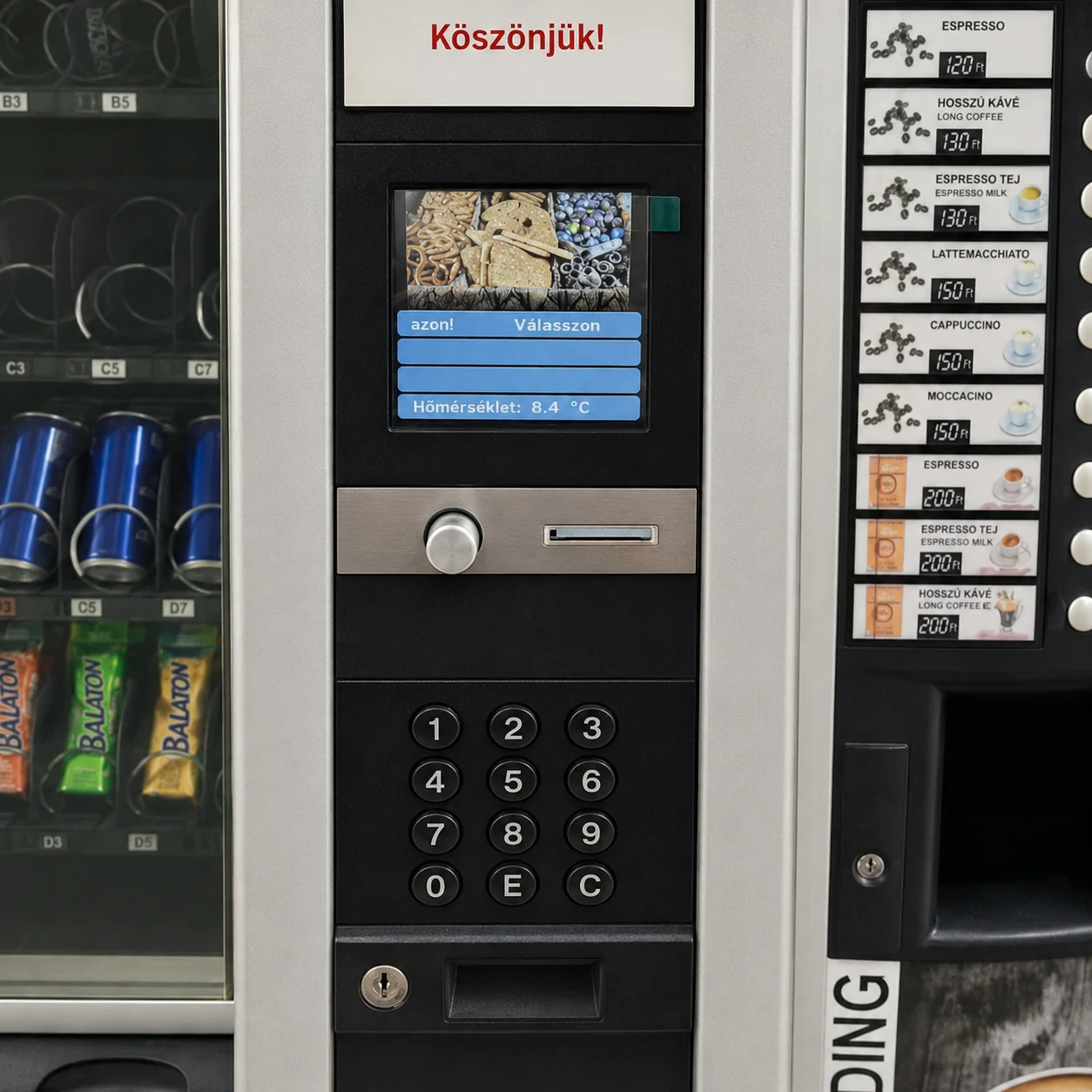
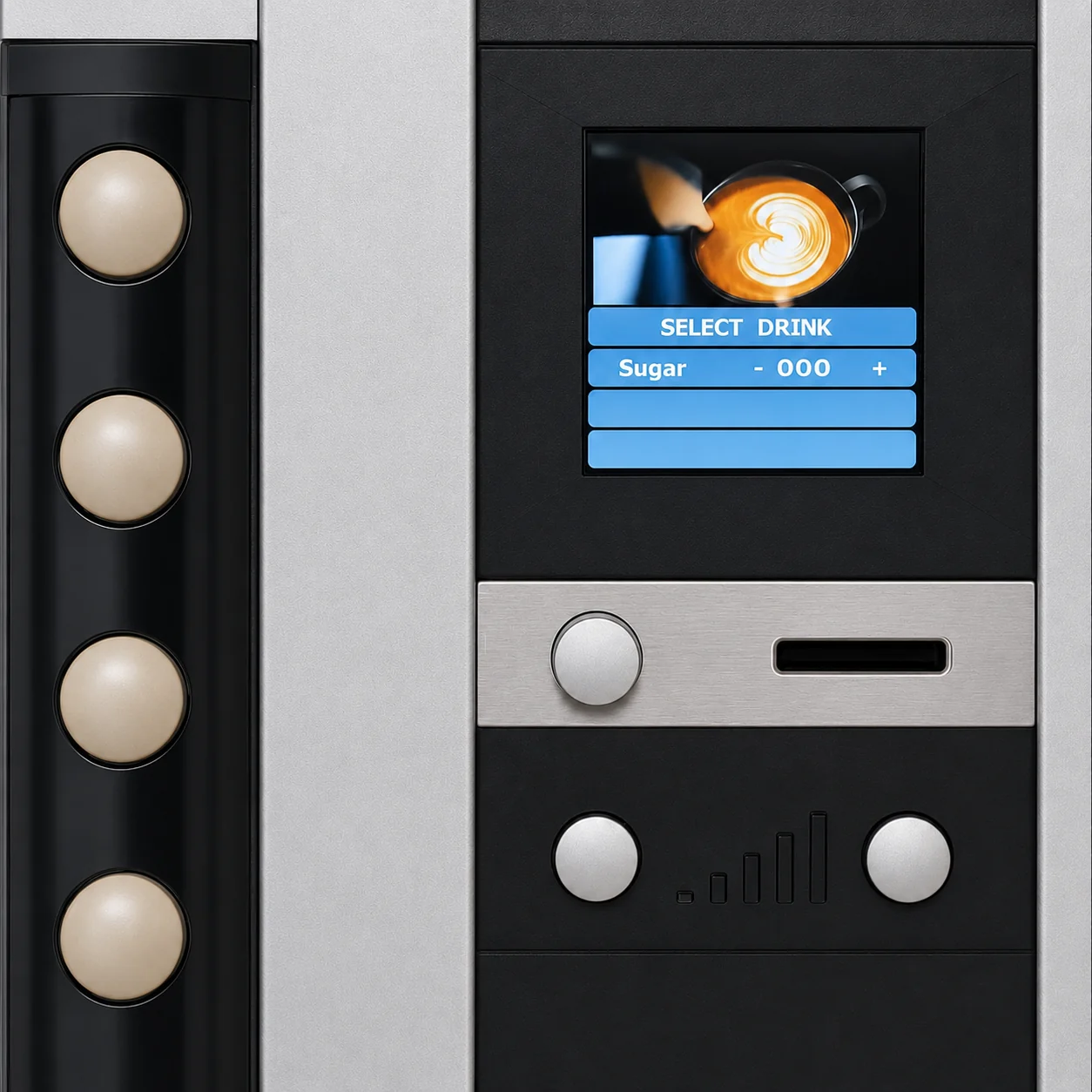
Front view, rear design and in-use appearance on a SNAKKY MAX / SFERA machine.
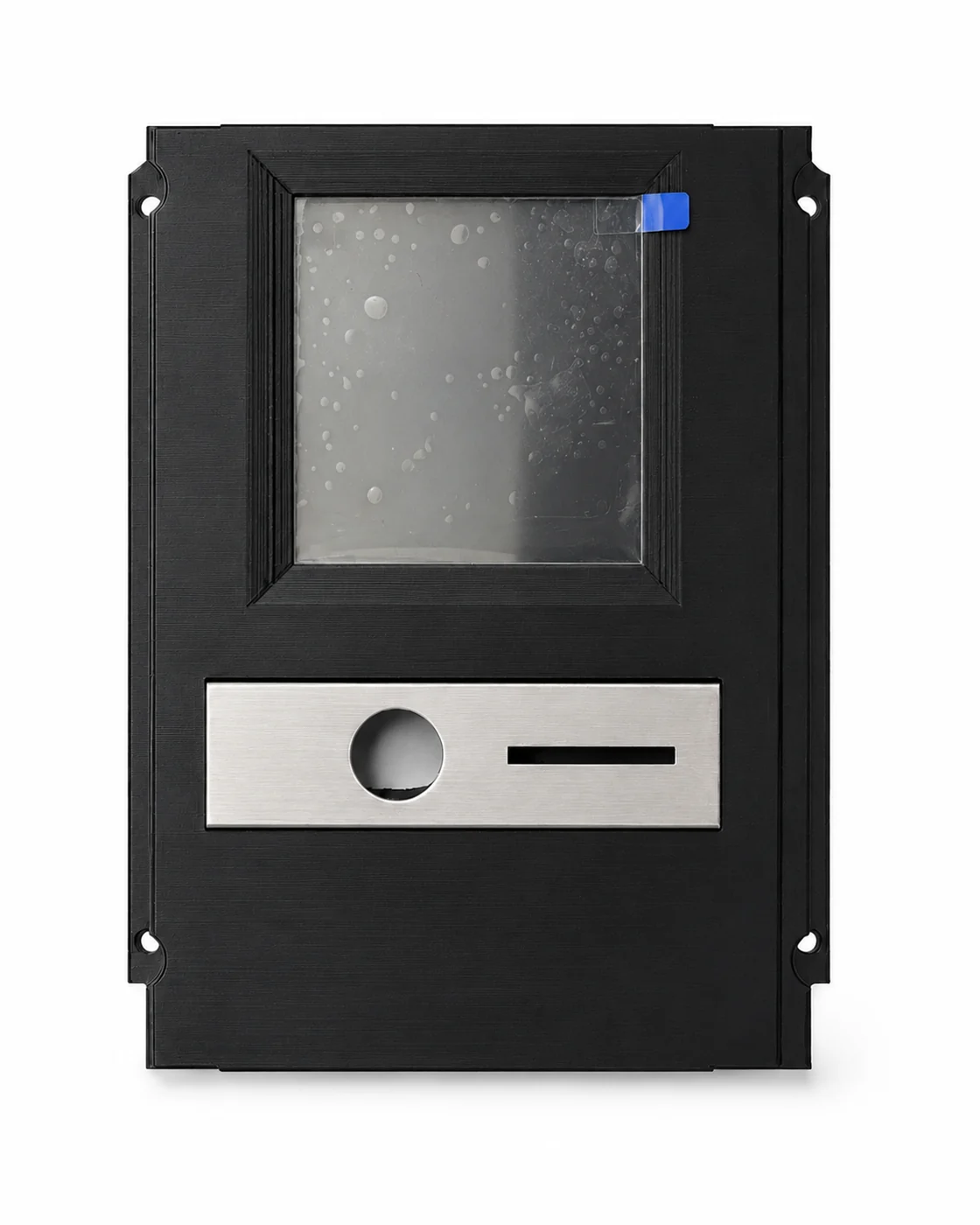
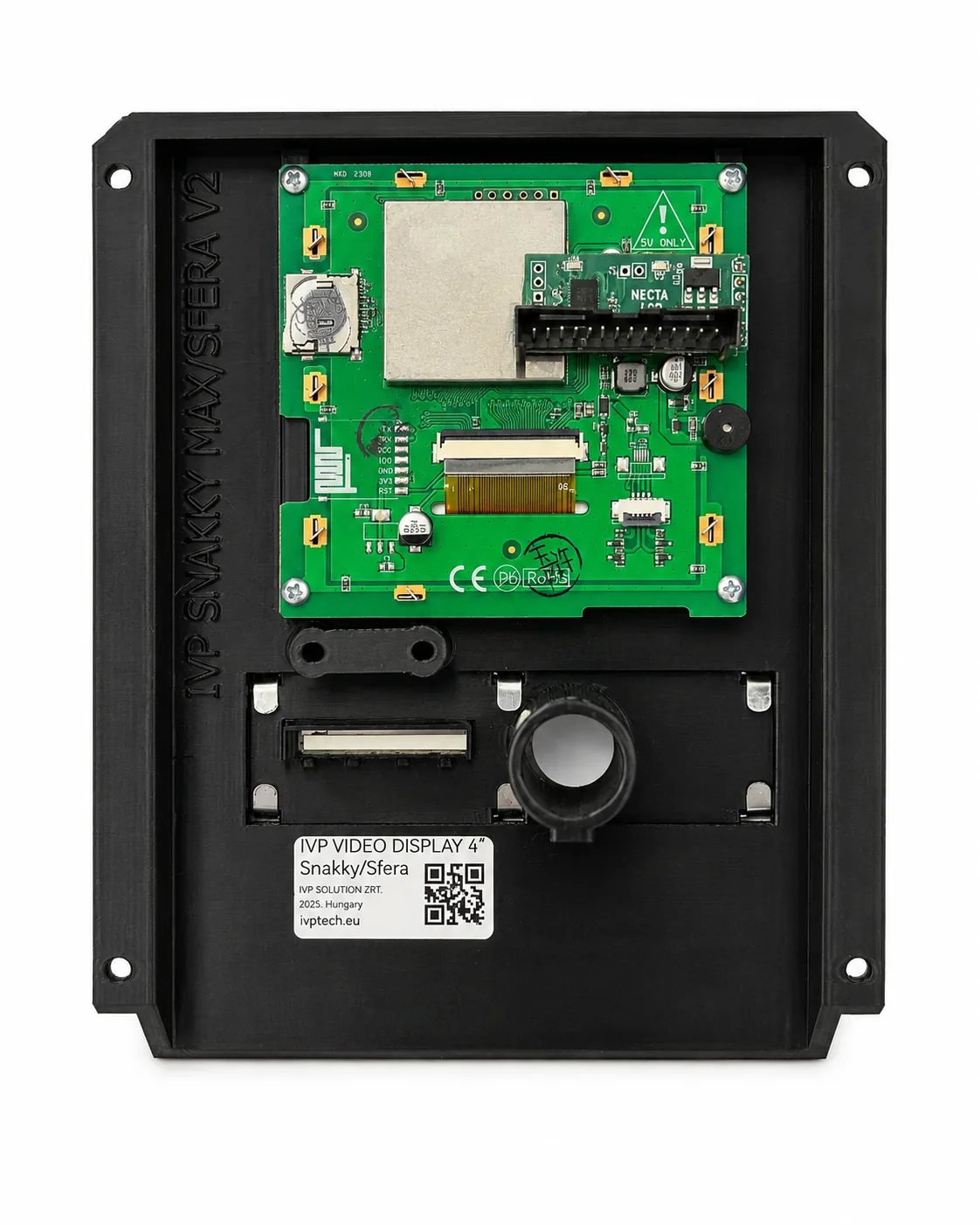
The SNAKKY MAX / SFERA version replaces the original traditional display area of the snack machines with a more modern front unit suitable for video playback.
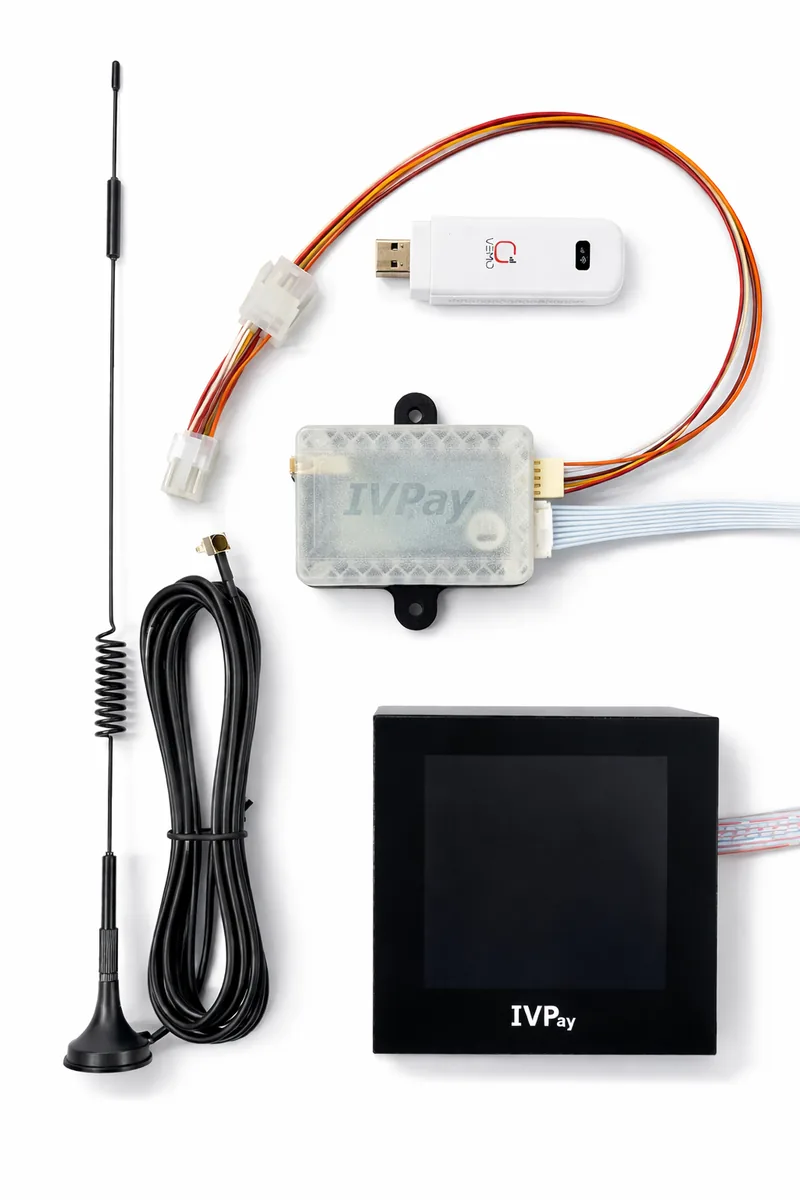
The upgrade unit consists of a front housing intended for industrial use, an integrated video display module, a Necta LCD interface connector and internal fixing points. SFERA is a larger machine version, but the display panel installation logic is the same as for SNAKKY MAX.
Mechanically stable, black front-panel design intended for industrial use.
480 × 480 pixel display with LED backlight, wide viewing angle and 16.7 million colors.
Displaying a short repeating video segment on the machine front panel; the content can be prepared by IVP.
The kit is intended to refresh the outdated LCD and front-panel appearance, not to rewrite the complete operating logic of the machine.
Create your own content easily: images, videos and text for the display can be edited and the finished content can then be saved to an SD card.
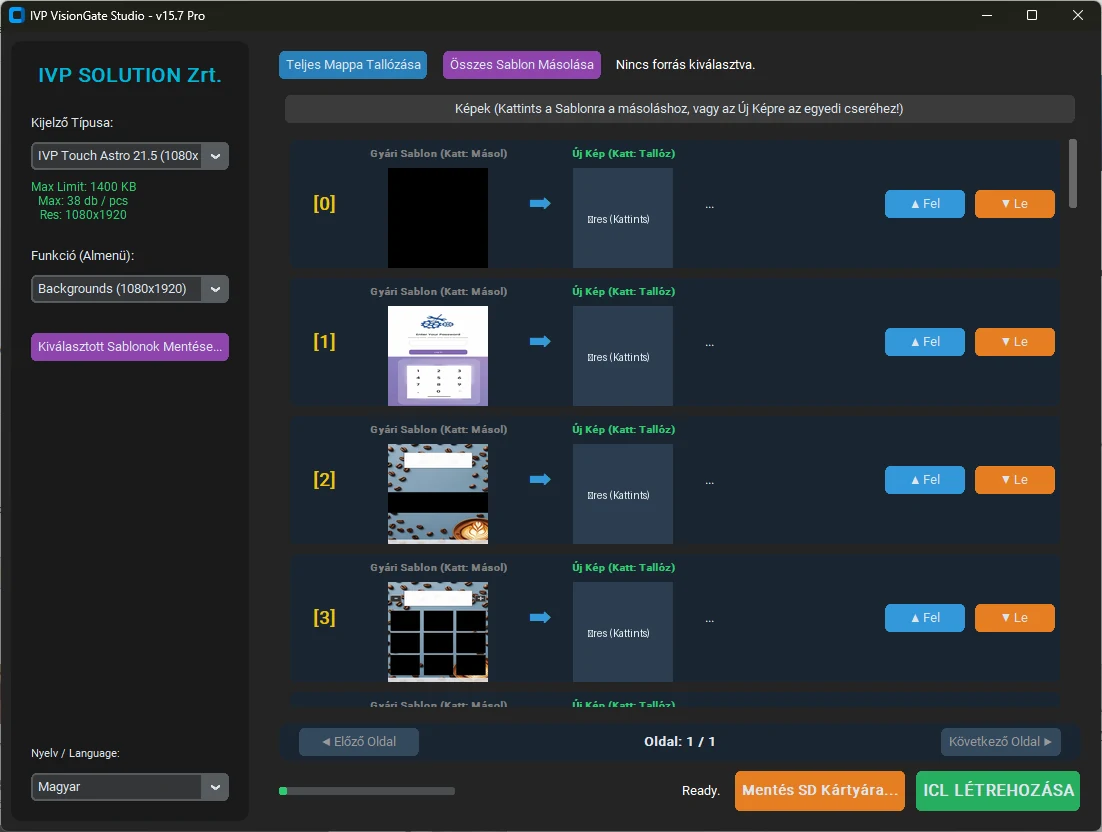
IVP VisionGate Studio – manage display and content templates, then save to SD card.
| Product version | IVP SNAKKY MAX / SFERA 4 Video Display |
|---|---|
| Compatible machine | NECTA SNAKKY MAX and SFERA snack machines |
| Display | 4.0-inch, 480 × 480 pixel IPS-TFT-LCD |
| Colors and backlight | 16.7 million colors, LED backlight, wide viewing angle |
| Video function | Continuous looped playback of approximately 10-second video content |
| Housing / front panel | 3D-printed PET-G, black finish, design adapted to the machine type |
| Documentation | Public product presentation on the website; detailed installation documentation on request. |
Prices are net EUR prices; VAT is calculated separately. For larger quantities or mixed product packages, a custom offer can be requested.
Detailed installation, wiring and service documentation is not a public download. On request, we can agree on the required materials based on the product version and machine type.